Start recording
Choose your course and let CleverlyAI listen while you focus.
 Go to CleverlyAI
100% free while we grow
Go to CleverlyAI
100% free while we grow
CleverlyAI keeps your classes, lectures, notes, and deadlines in one place. Then turns them into lessons, cue cards, practice tests, and peak organization.
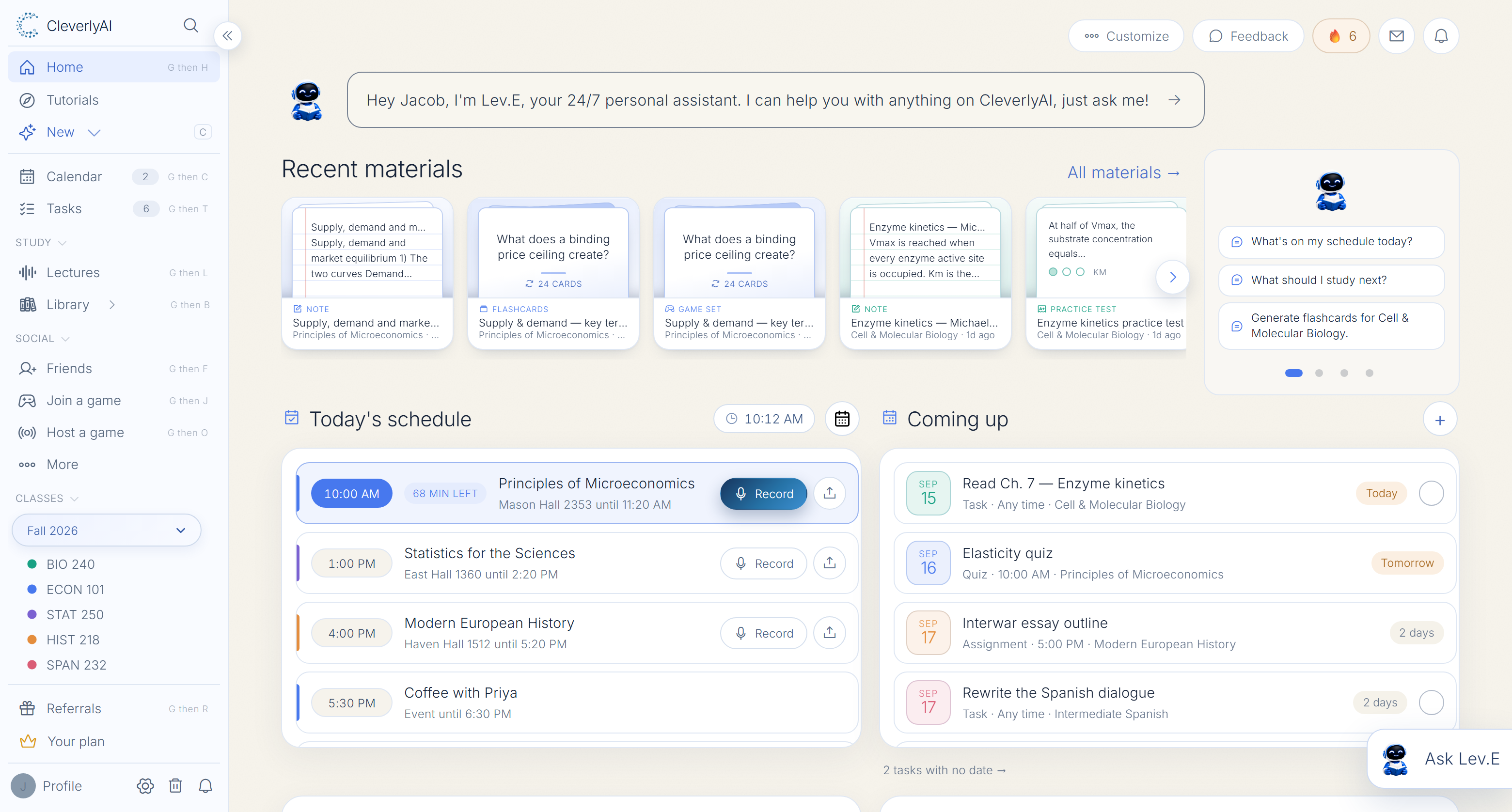
















One placefor every course
One uploadto create study tools
One clickwhen you need help
Upload notes, slides, textbooks, or even rough instructions. CleverlyAI builds a structured course you can work through at your pace.
See lecture recordingChoose the depth and style, then move through organized modules with clear takeaways and practice built in.
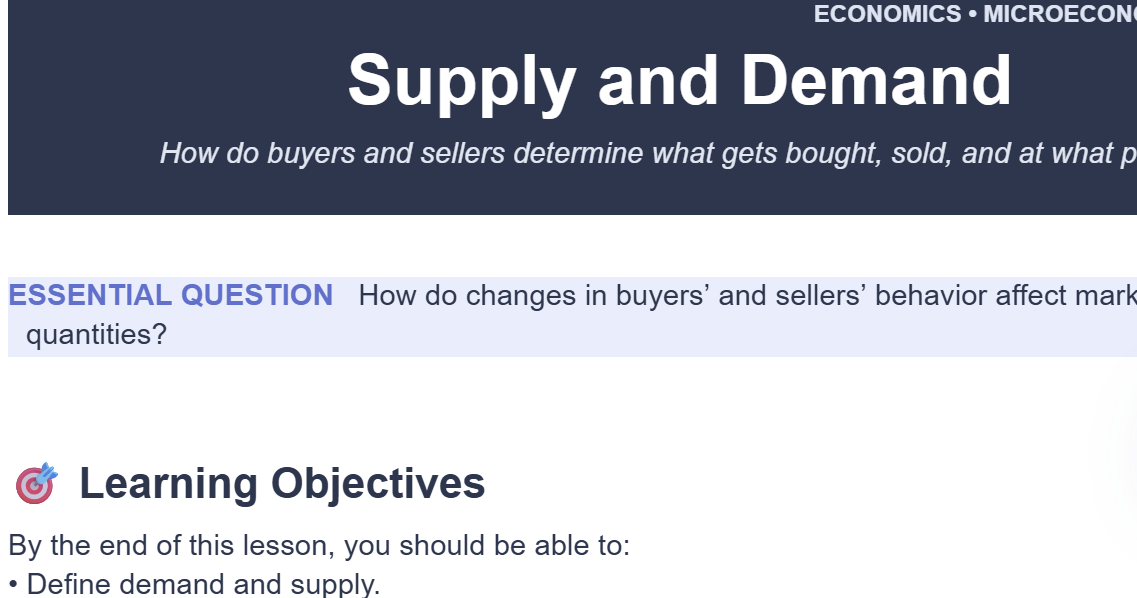
Turned into
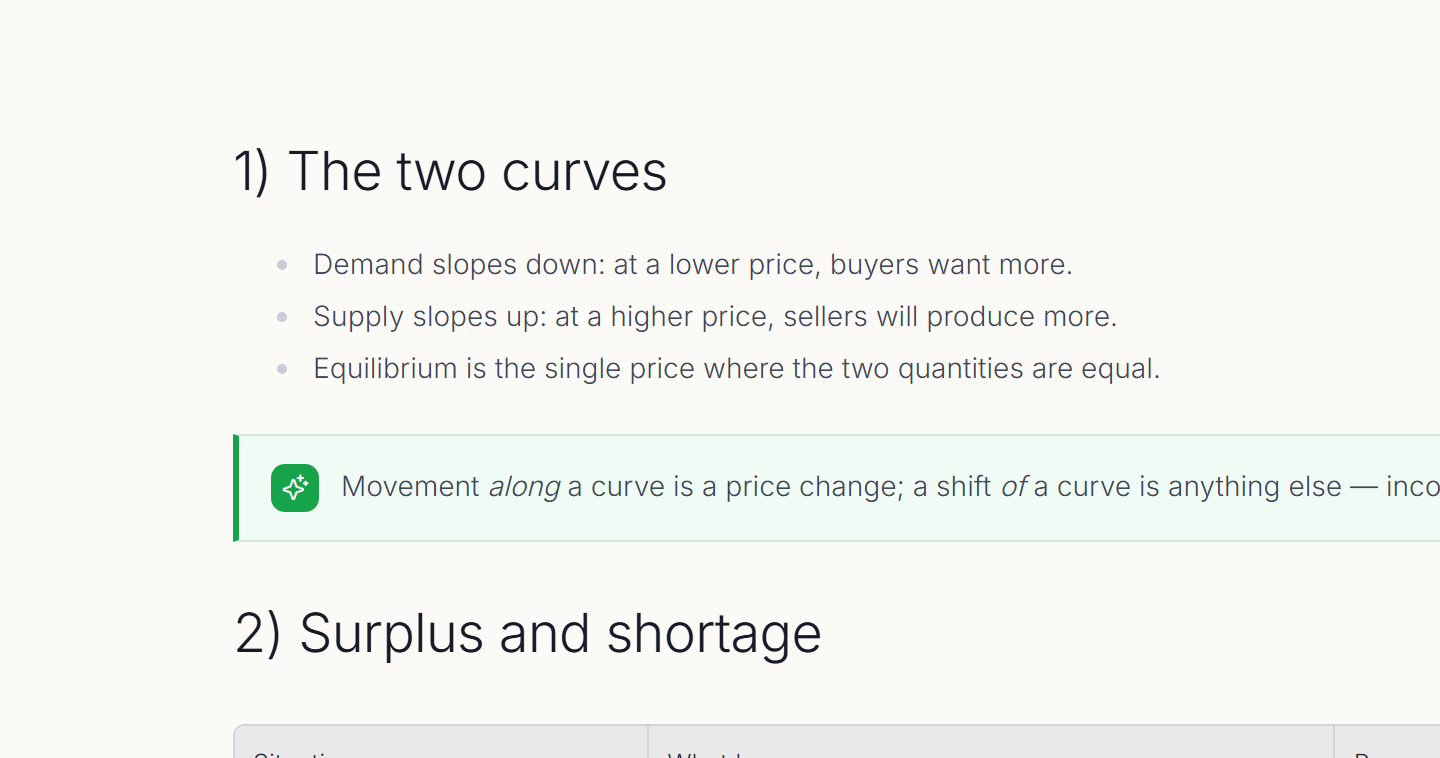
Turned into
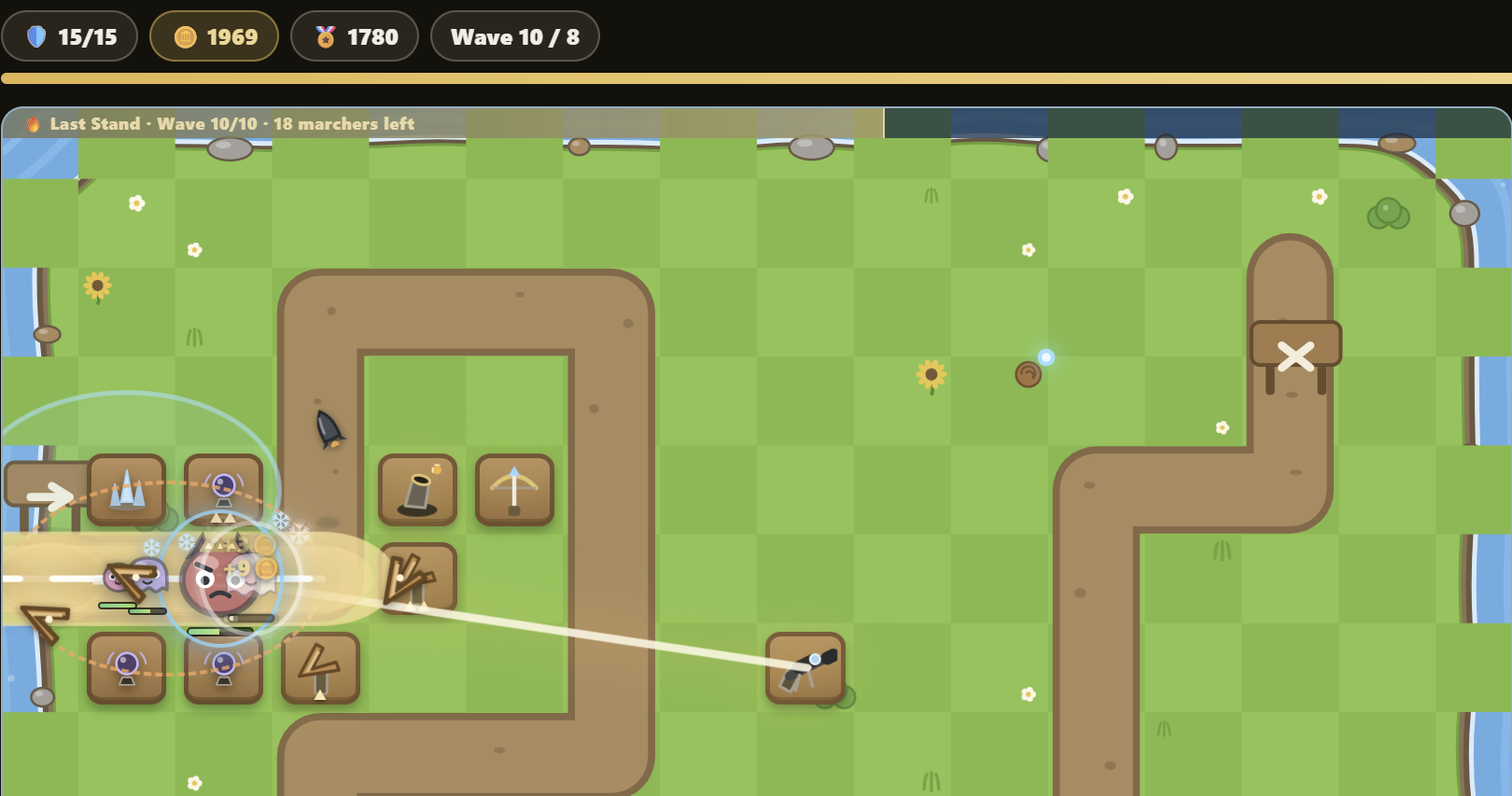
Stay present in class while CleverlyAI captures the lecture and turns it into clear notes, key takeaways, and study tools—already organized inside your workspace.
See the full plan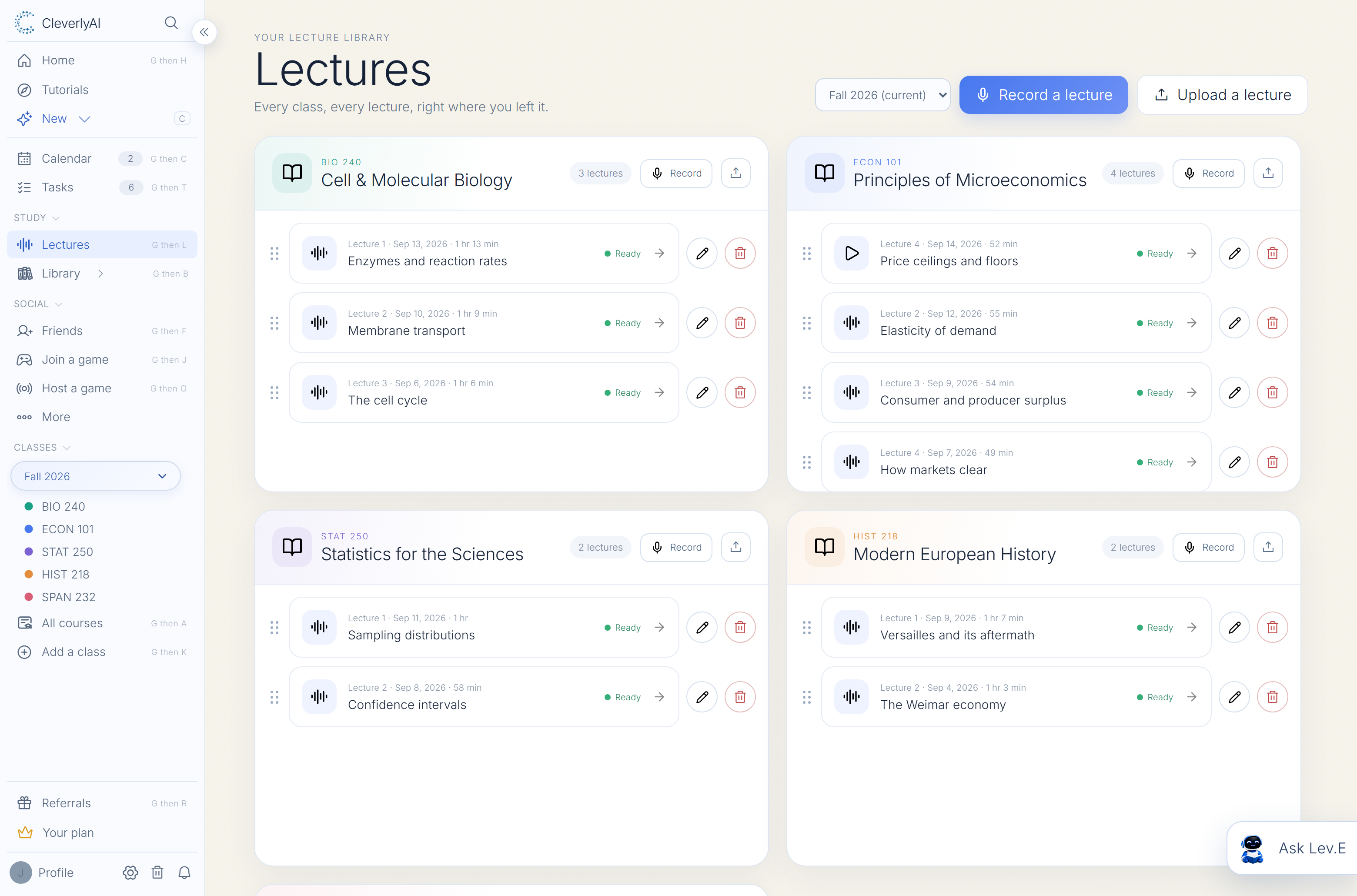
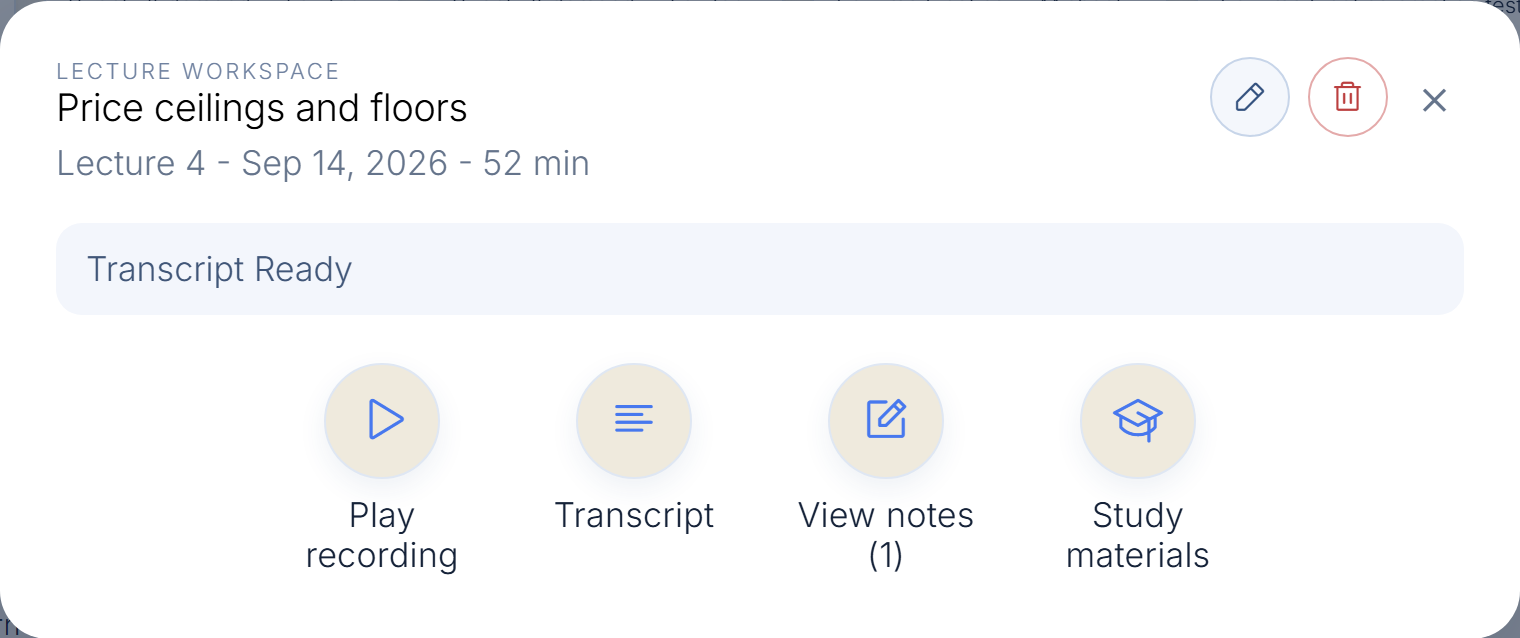
Press recordStay focused in class
Get structured notesKey ideas pulled forward
Study right awayCards, lessons, and review
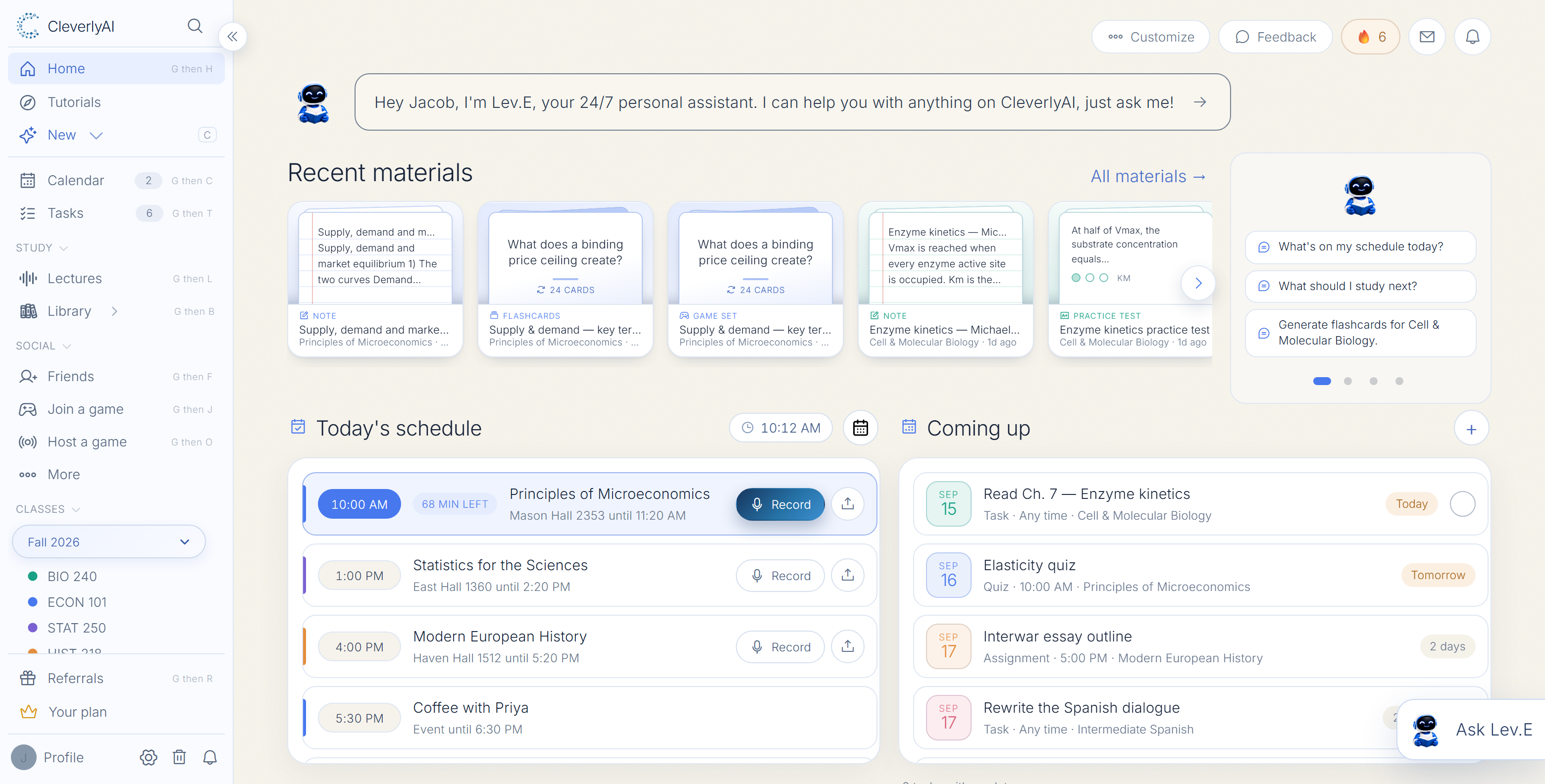
Plan the semester, learn the material, and ask for help without bouncing between five different apps.
See the cue cardsAdd your courses and upload a syllabus, notes, slides, or screenshots. CleverlyAI keeps your deadlines and materials connected so your workspace stays useful after day one.
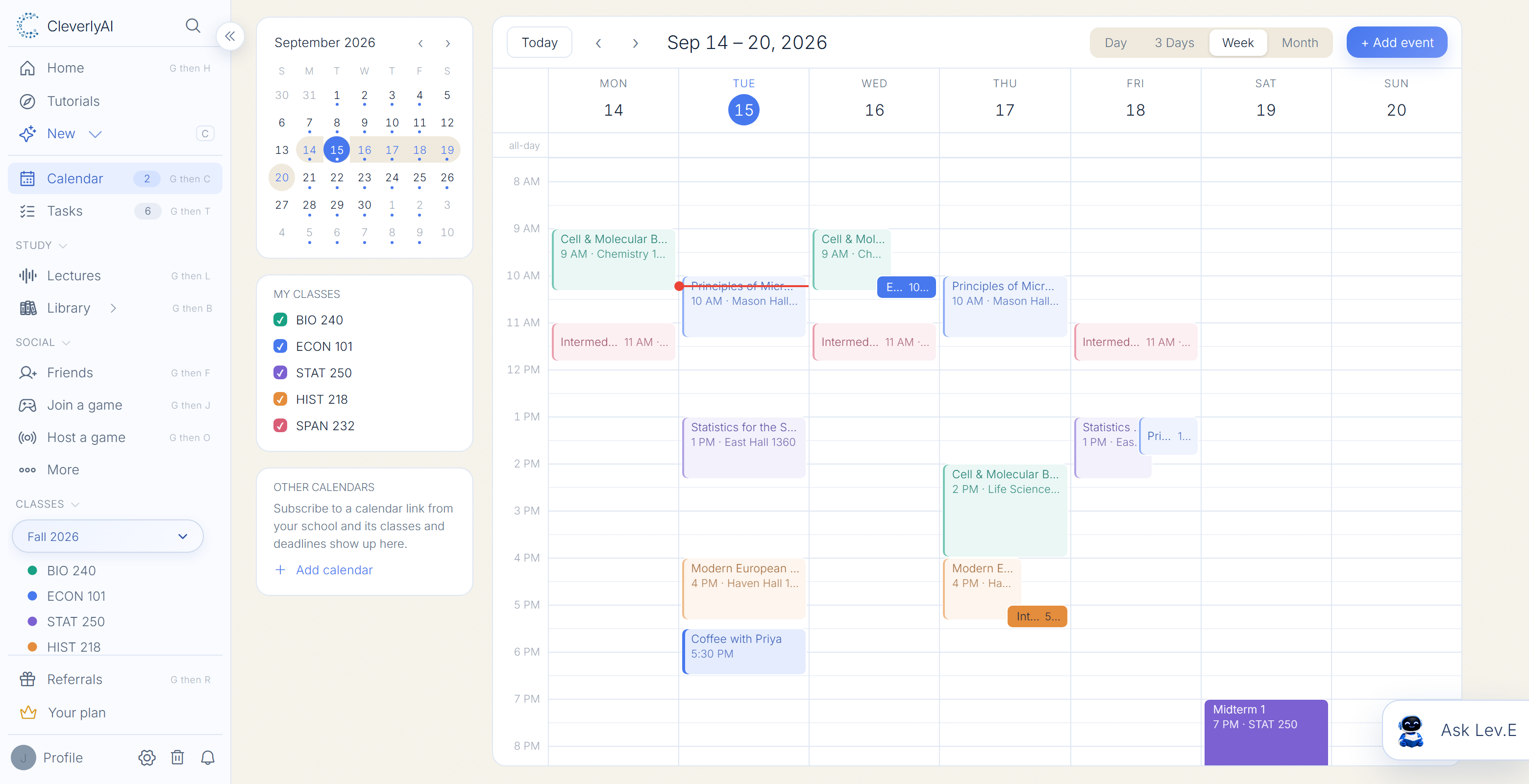
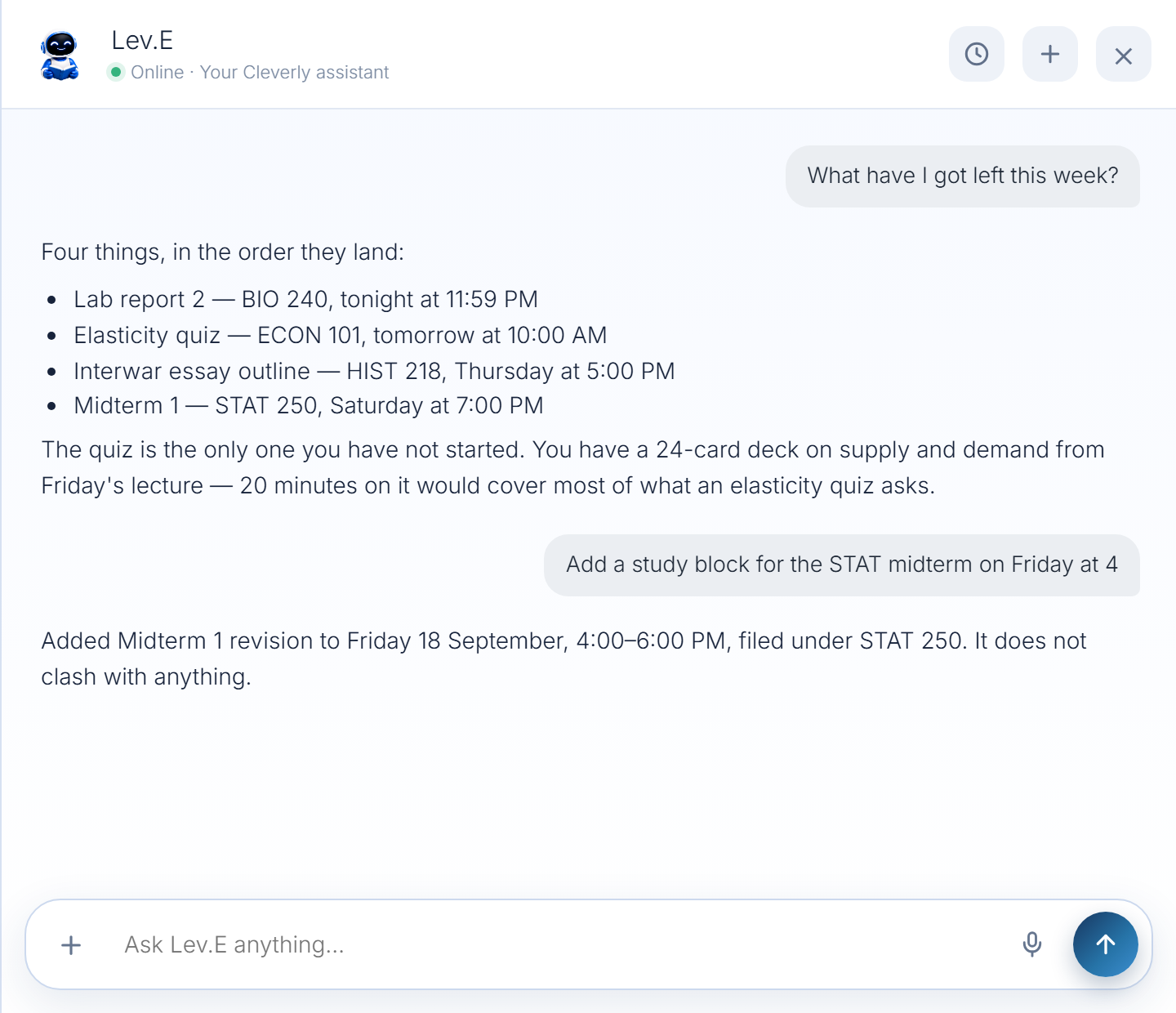
Lev.E works beside your classes, calendar, and study material, so help starts with the context you already organized.
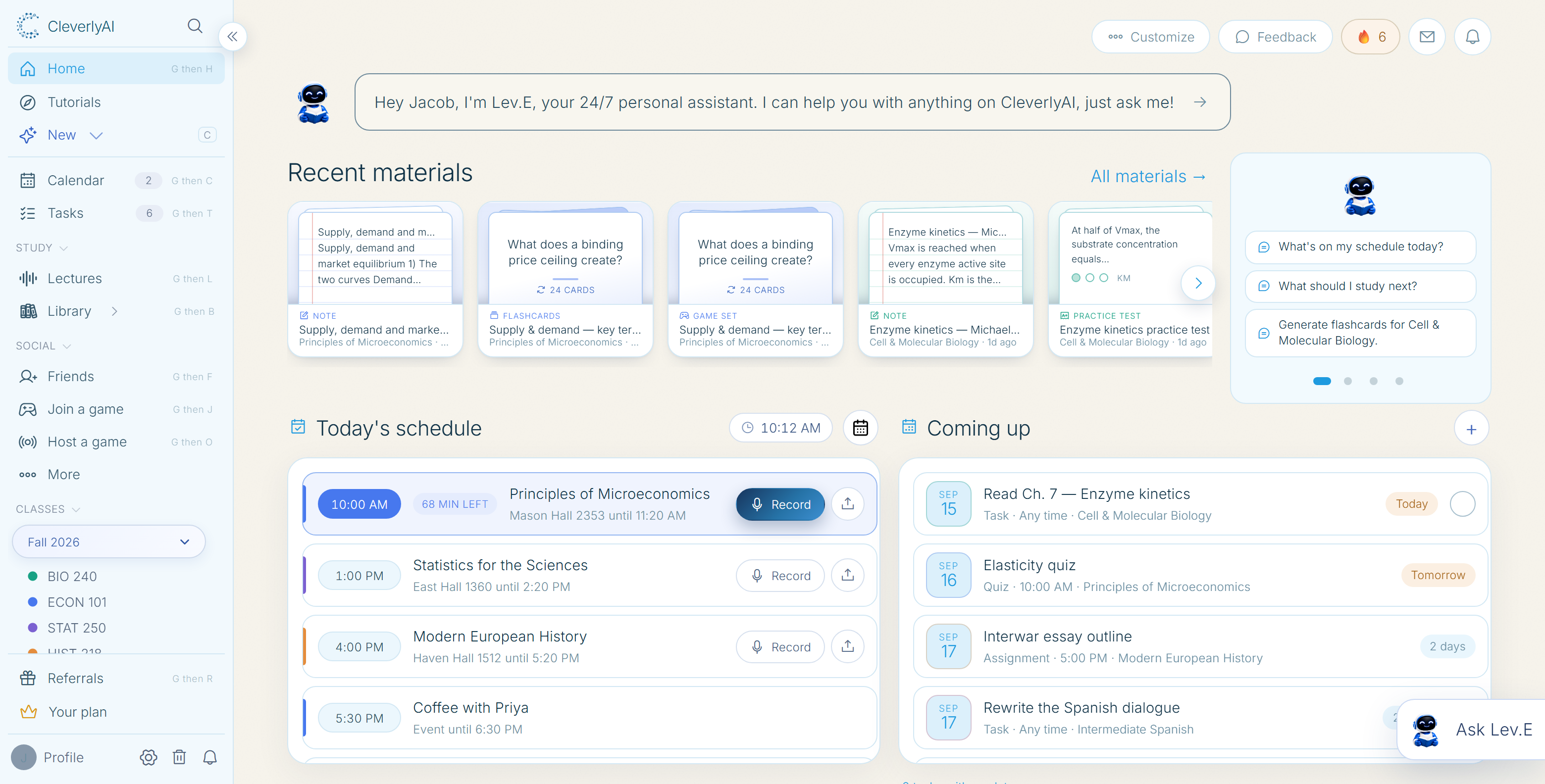
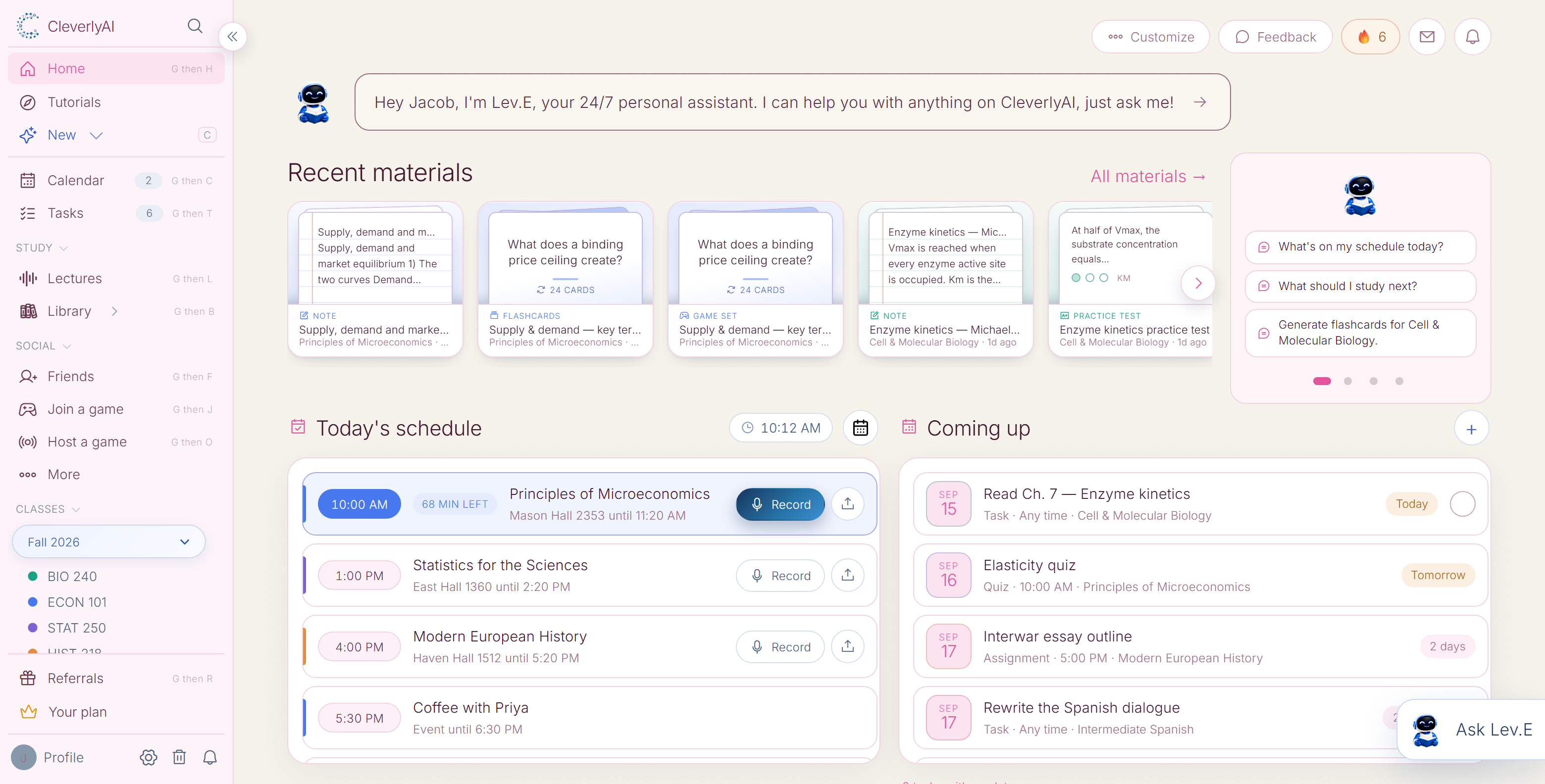
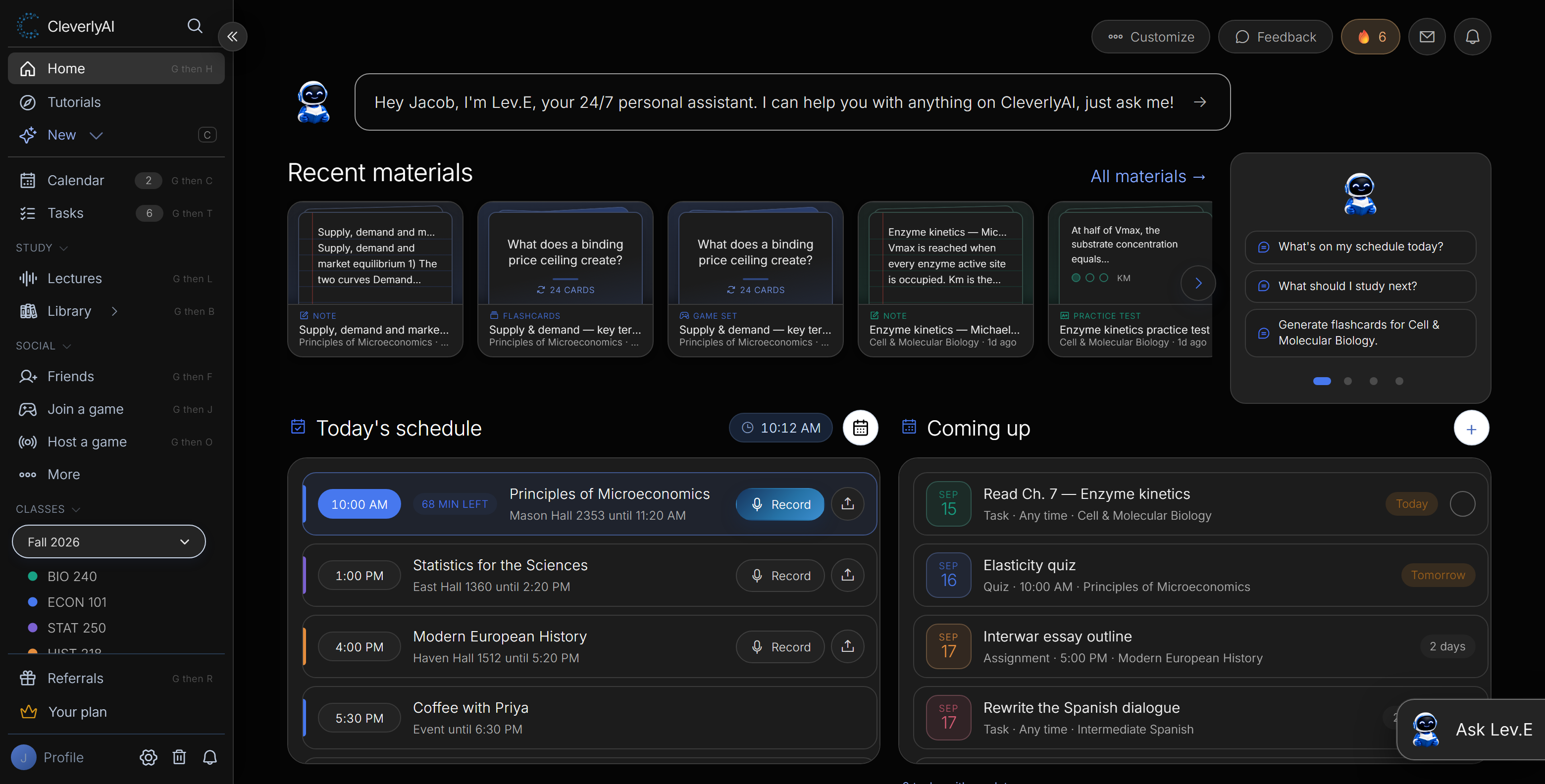
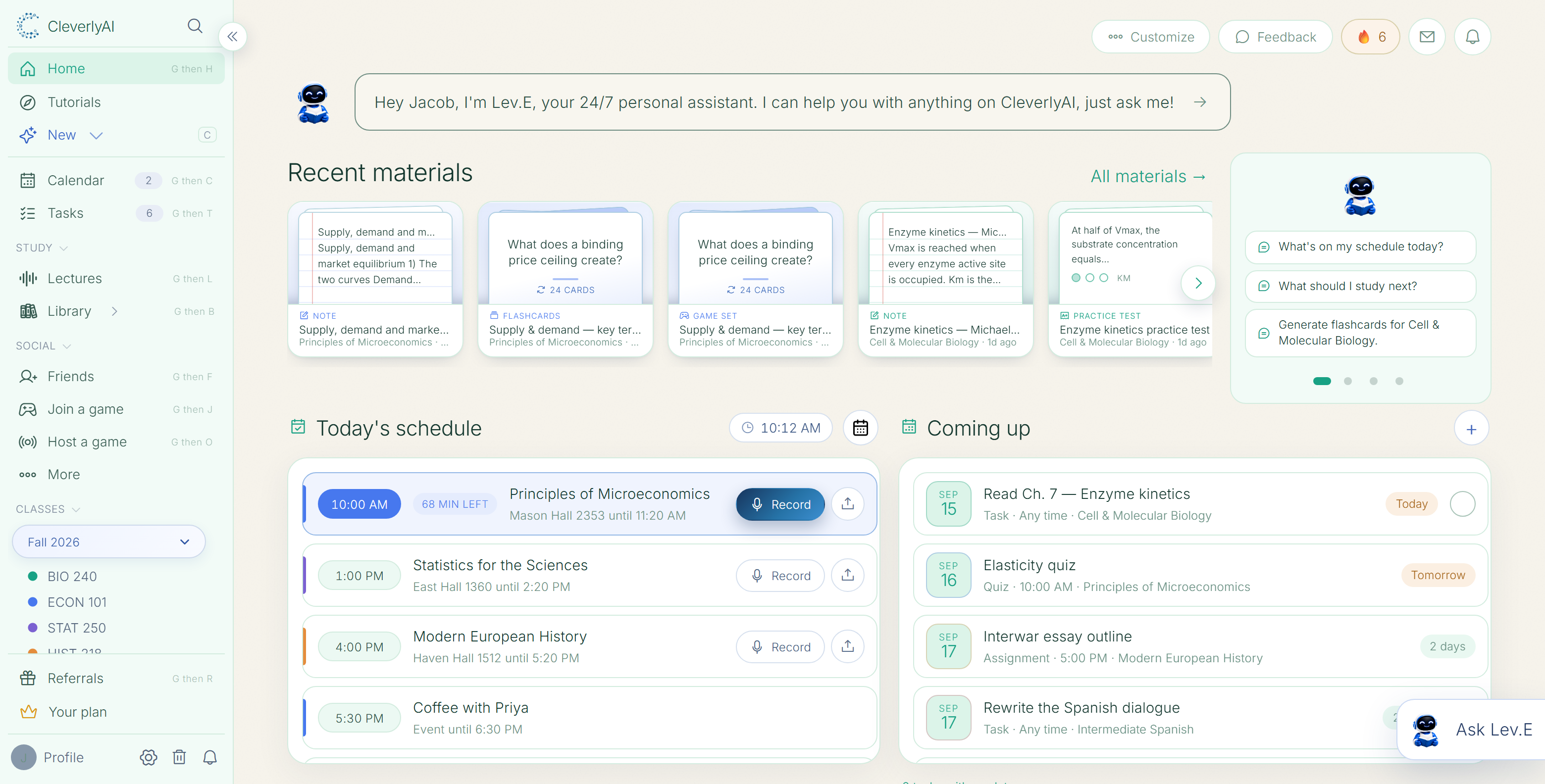
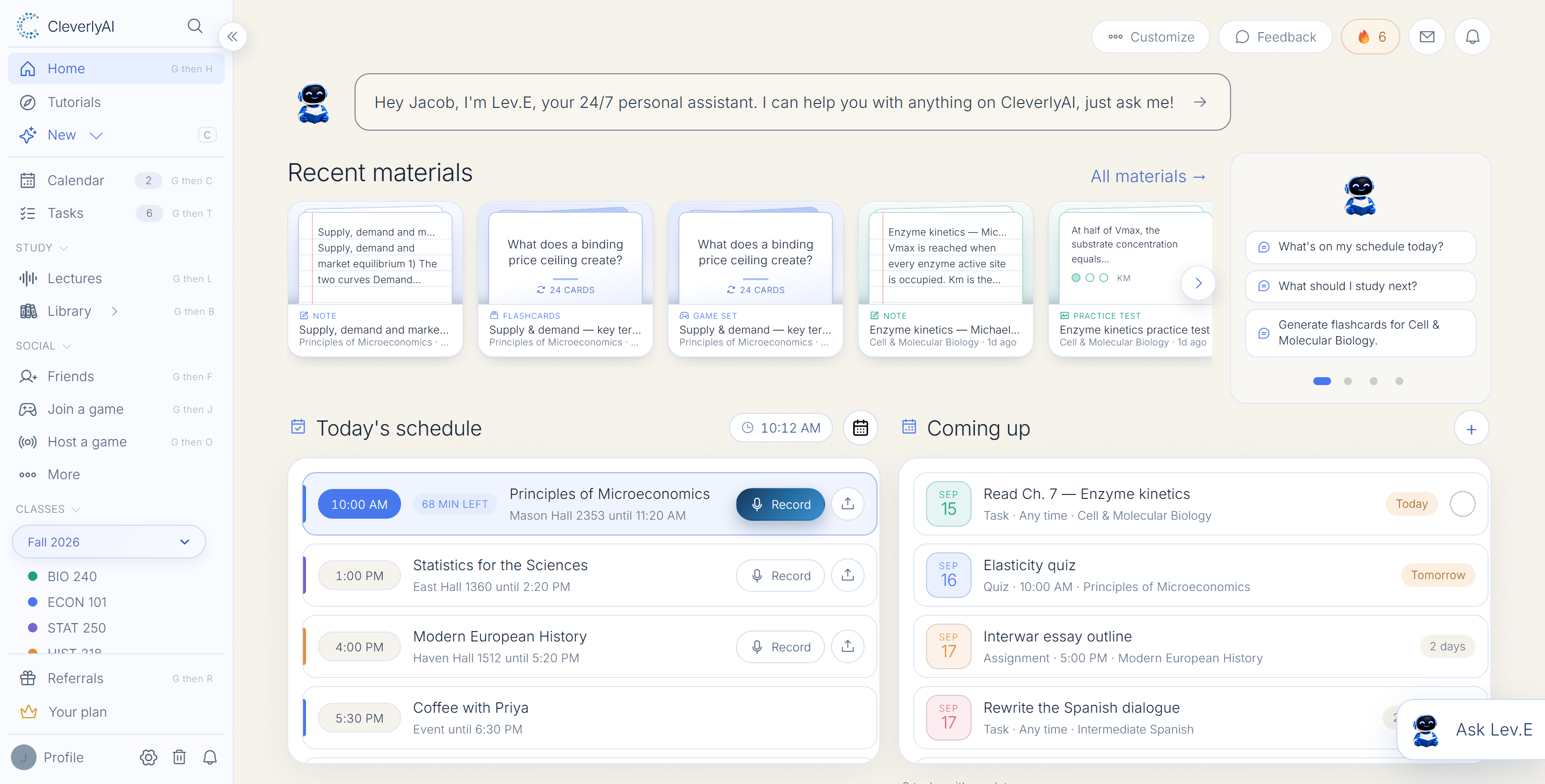
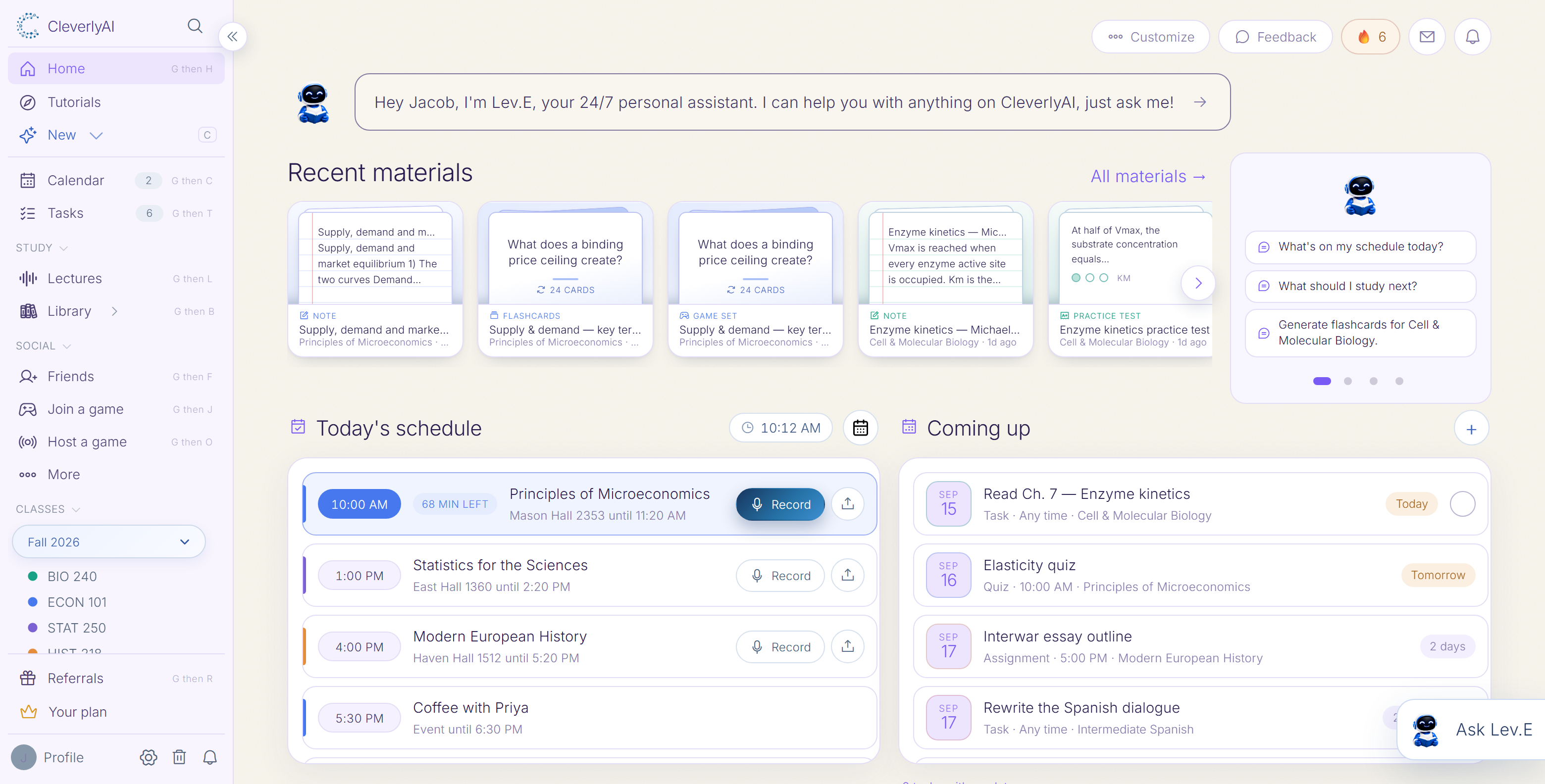
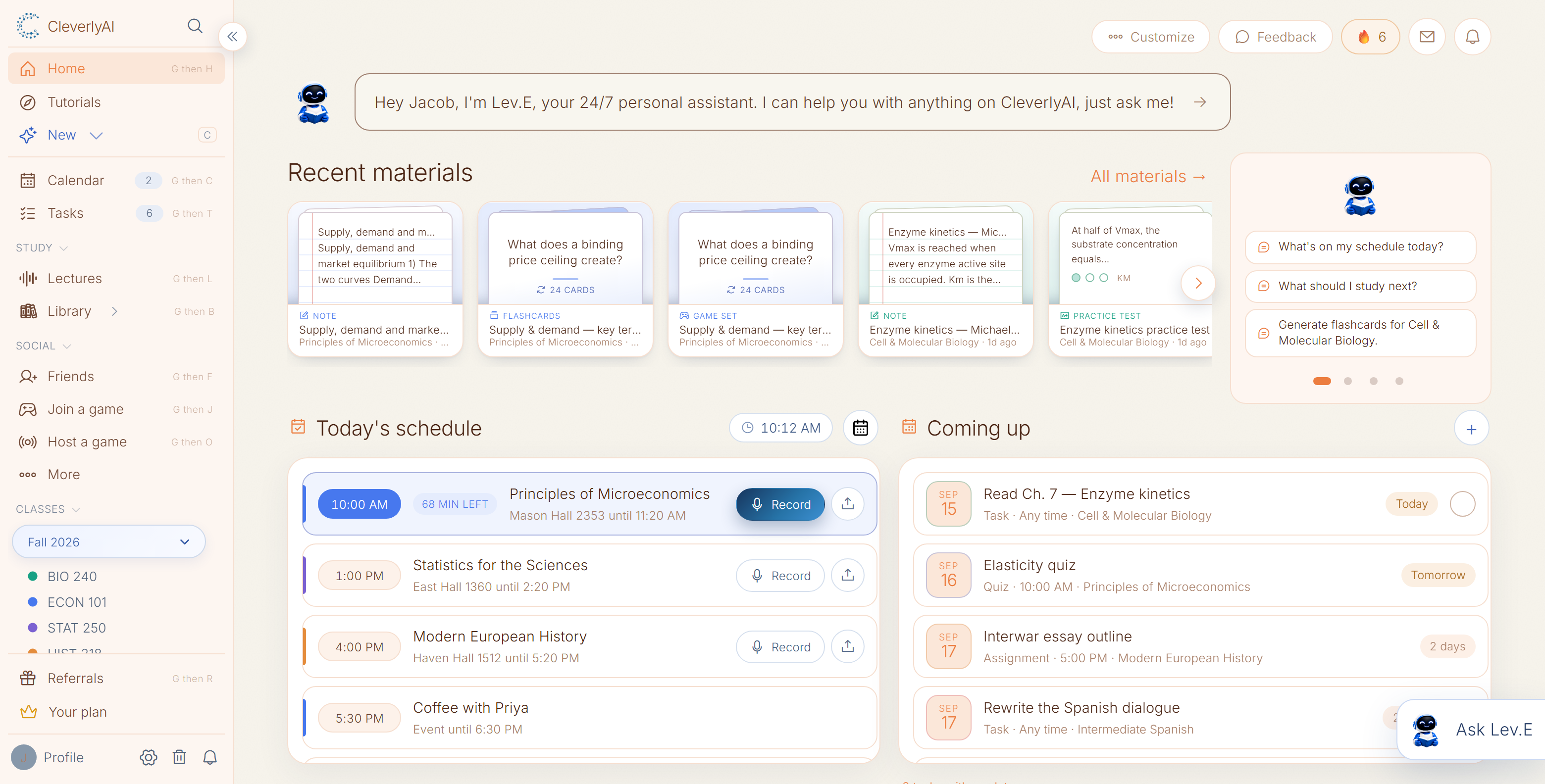
Choose the colors that make your workspace feel like your own.
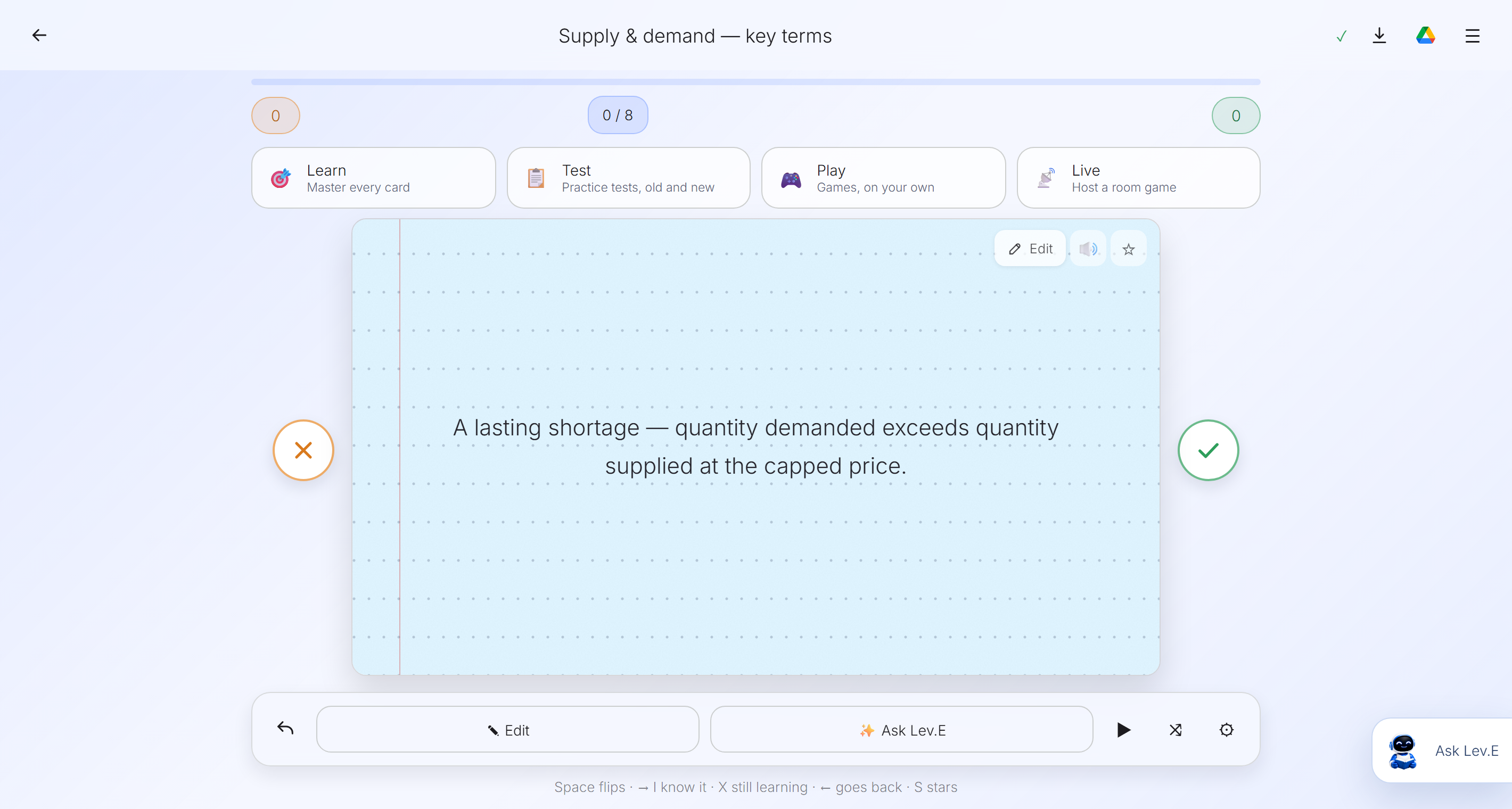
Move through a focused recall loop, flip for the answer, ask questions in context, and test what you actually remember.
See study games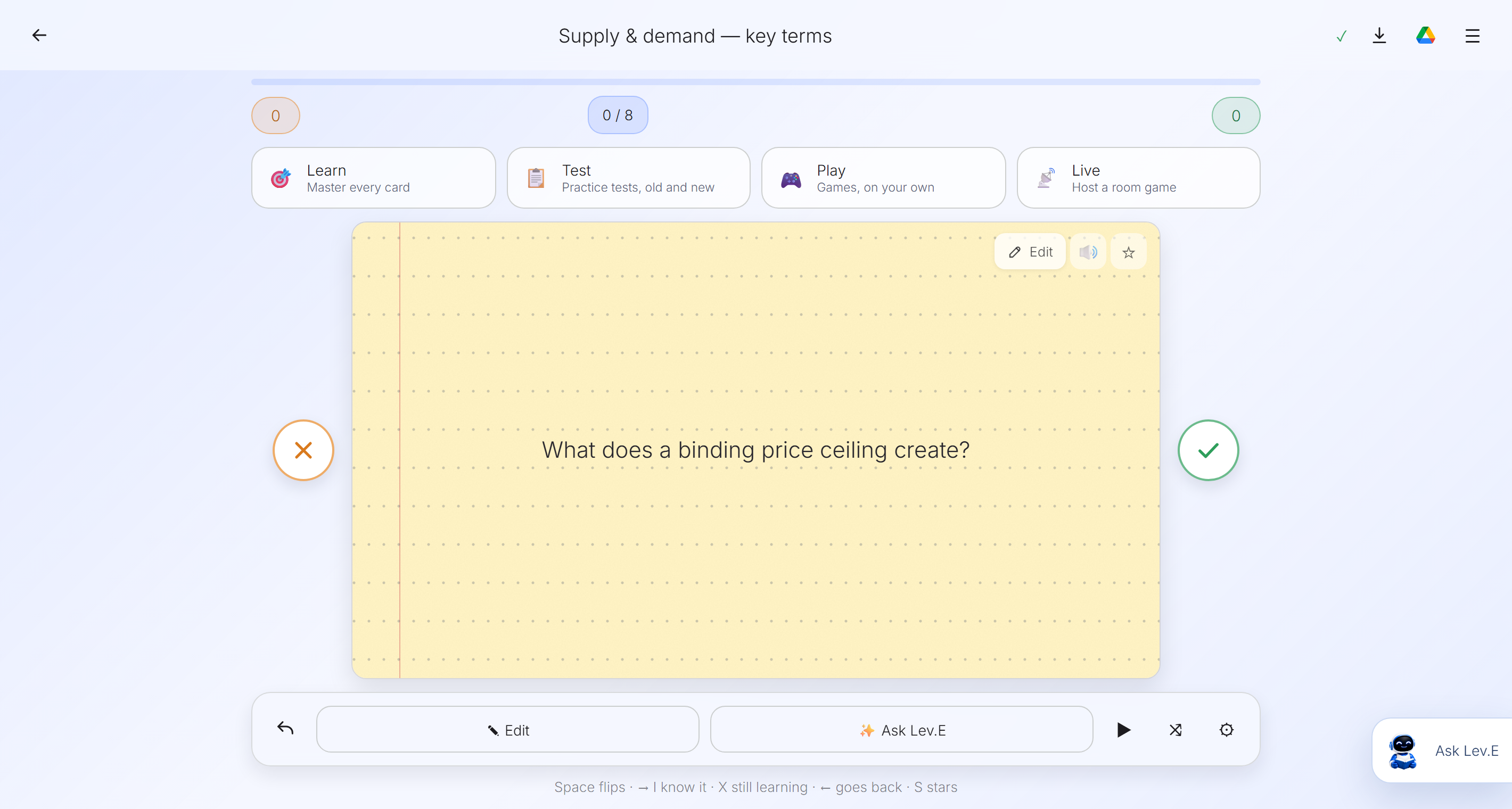
Pick a game, pick a set, and go—no account, nothing to install. These are the real games from inside the app, running on real cards. Every right answer is your next move, which is the whole trick: you are being quizzed the entire time.
See the study flow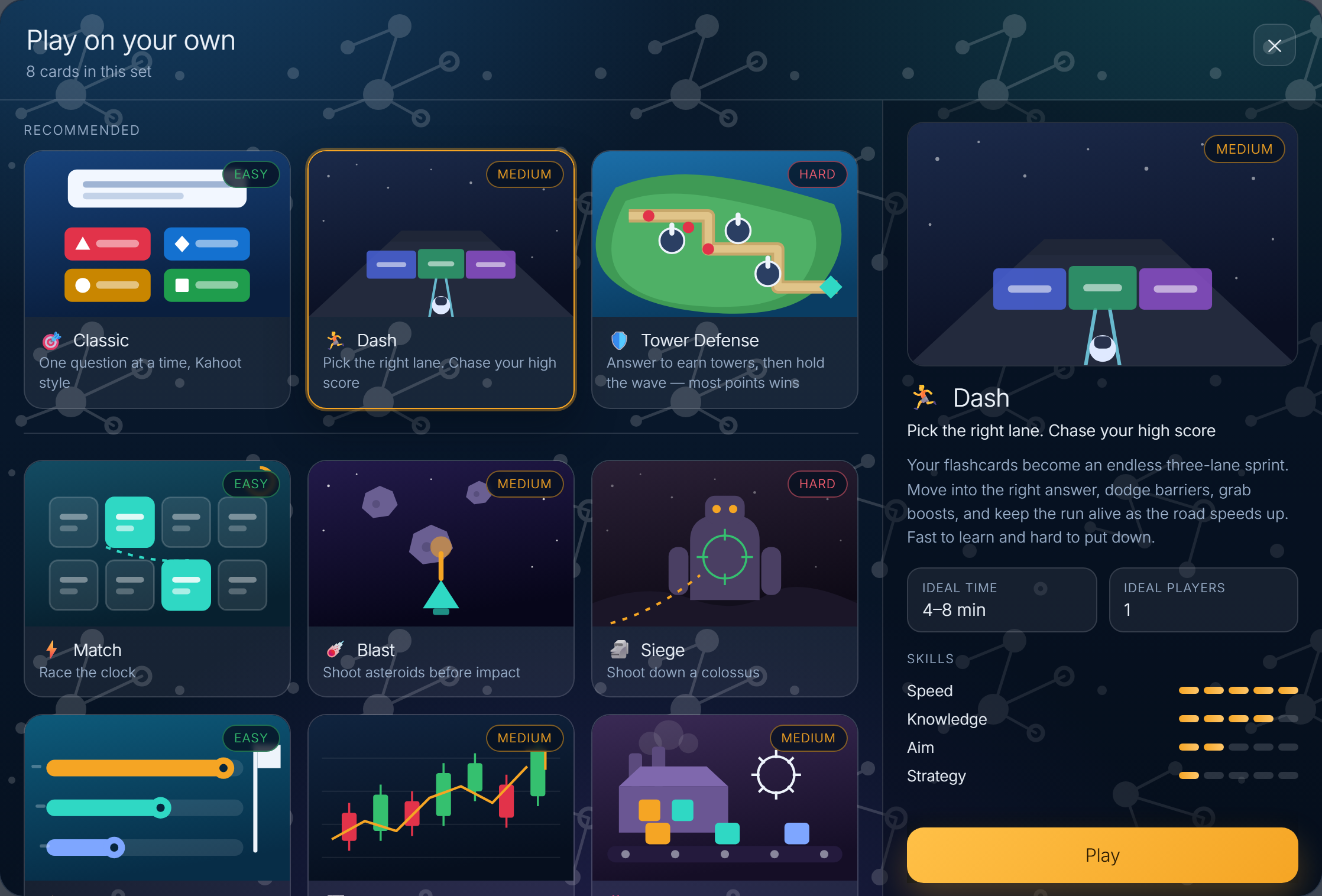
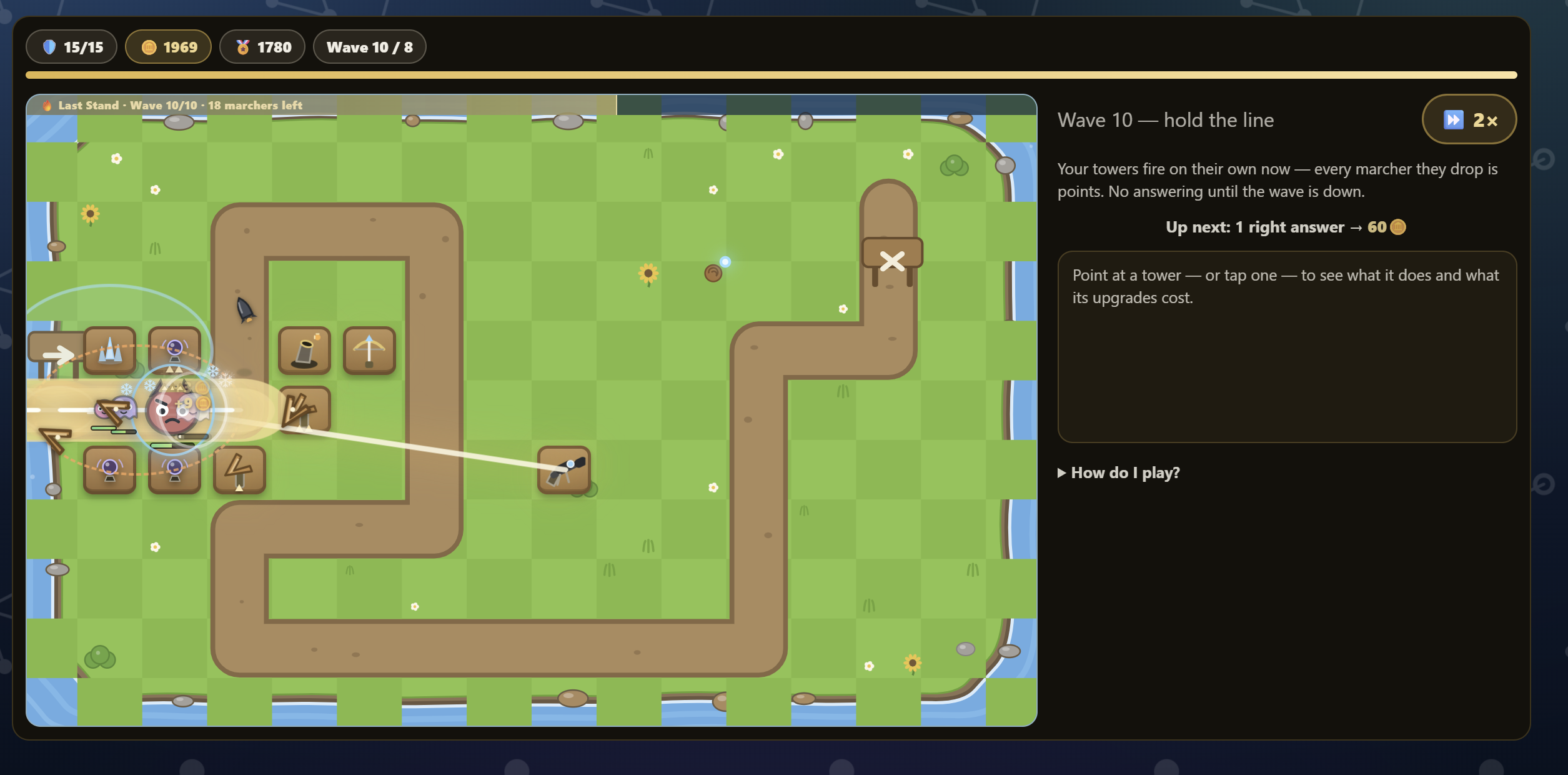
Play what you already madeAny deck in your library, in any of the games, with nothing to rebuild.
You find out what you missedEvery wrong answer is listed at the end, beside the one you took.
Solo or the whole roomPlay on your own, or host it live for a class.
Choose your course and let CleverlyAI listen while you focus.
Receive a transcript, clear summary, and the ideas that matter.
Turn the lecture into notes, flashcards, a practice test, or a game that quizzes you.
Build your workspace for free and turn this semester into a plan.